Activity 19: Research CSS
HTML Code
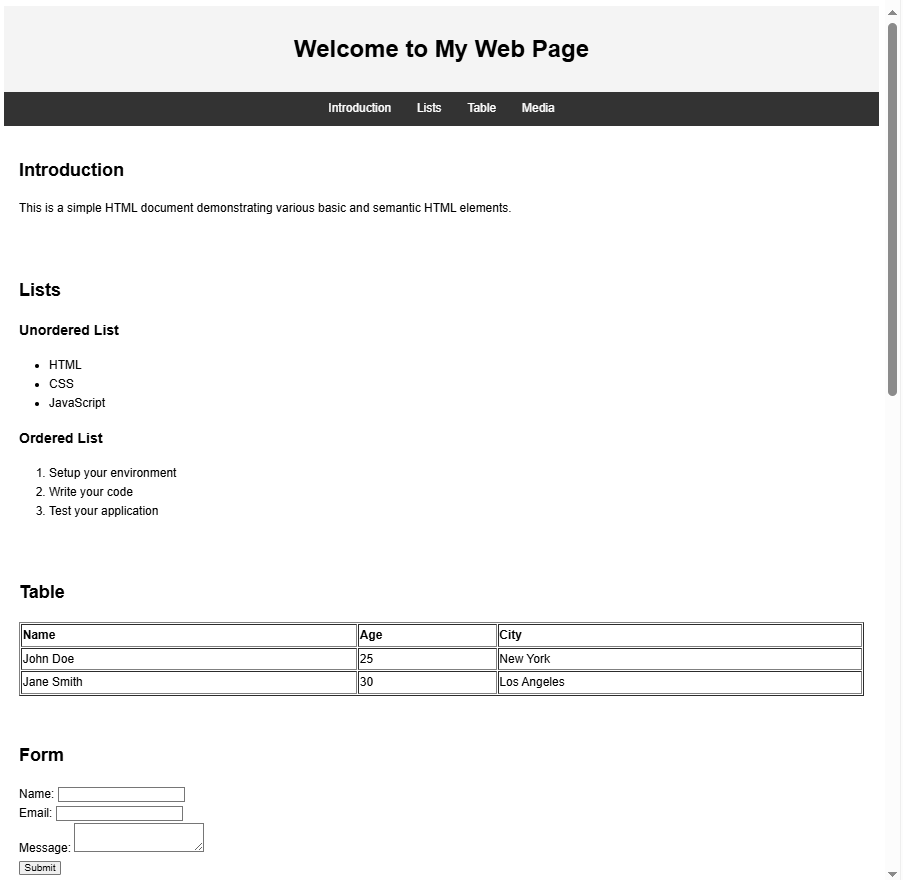
<!DOCTYPE html>
<html lang="en">
<head>
<meta charset="UTF-8">
<meta name="viewport" content="width=device-width, initial-scale=1.0">
<title>HTML Elements Example</title>
<style>
body {
font-family: Arial, sans-serif;
line-height: 1.6;
}
header, footer {
background: #f4f4f4;
padding: 10px;
text-align: center;
}
nav {
background: #333;
color: white;
padding: 10px;
text-align: center;
}
nav a {
color: white;
text-decoration: none;
margin: 0 15px;
}
section {
padding: 20px;
}
.drag-container {
border: 2px dashed #999;
padding: 20px;
width: 300px;
margin: auto;
text-align: center;
}
img {
max-width: 100%;
}
</style>
</head>
<body>
<header>
<h1>Welcome to My Web Page</h1>
</header>
<nav>
<a href="#introduction">Introduction</a>
<a href="#lists">Lists</a>
<a href="#table">Table</a>
<a href="#media">Media</a>
</nav>
<section id="introduction">
<h2>Introduction</h2>
<p>This is a simple HTML document demonstrating various basic and semantic HTML elements.</p>
</section>
<section id="lists">
<h2>Lists</h2>
<h3>Unordered List</h3>
<ul>
<li>HTML</li>
<li>CSS</li>
<li>JavaScript</li>
</ul>
<h3>Ordered List</h3>
<ol>
<li>Setup your environment</li>
<li>Write your code</li>
<li>Test your application</li>
</ol>
</section>
<section id="table">
<h2>Table</h2>
<table border="1" style="width:100%; text-align:left;">
<tr>
<th>Name</th>
<th>Age</th>
<th>City</th>
</tr>
<tr>
<td>John Doe</td>
<td>25</td>
<td>New York</td>
</tr>
<tr>
<td>Jane Smith</td>
<td>30</td>
<td>Los Angeles</td>
</tr>
</table>
</section>
<section id="form">
<h2>Form</h2>
<form action="#" method="POST">
<div>
<label for="name">Name:</label>
<input type="text" id="name" name="name">
</div>
<div>
<label for="email">Email:</label>
<input type="email" id="email" name="email">
</div>
<div>
<label for="message">Message:</label>
<textarea id="message" name="message"></textarea>
</div>
<button type="submit">Submit</button>
</form>
</section>
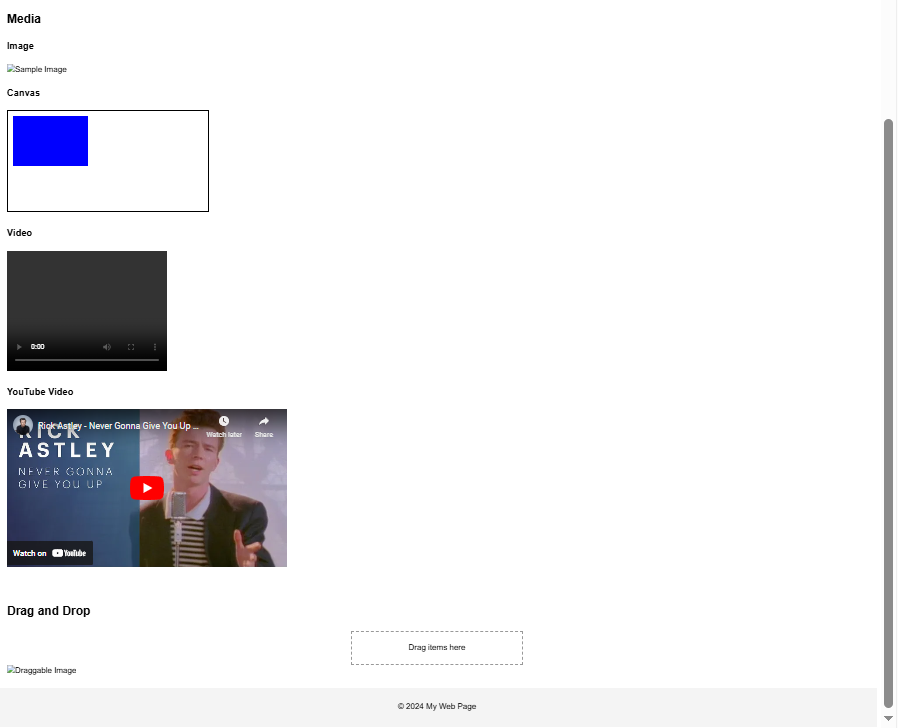
<section id="media">
<h2>Media</h2>
<h3>Image</h3>
<img src="https://via.placeholder.com/300" alt="Sample Image">
<h3>Canvas</h3>
<canvas id="myCanvas" width="400" height="200" style="border:1px solid #000;"></canvas>
<h3>Video</h3>
<video width="320" height="240" controls>
<source src="sample.mp4" type="video/mp4">
Your browser does not support the video tag.
</video>
<h3>YouTube Video</h3>
<iframe width="560" height="315" src="https://www.youtube.com/embed/dQw4w9WgXcQ" frameborder="0" allowfullscreen></iframe>
</section>
<section id="drag-and-drop">
<h2>Drag and Drop</h2>
<div class="drag-container" ondrop="drop(event)" ondragover="allowDrop(event)">
Drag items here
</div>
<img src="https://via.placeholder.com/100" draggable="true" ondragstart="drag(event)" id="drag1" alt="Draggable Image">
</section>
<footer>
<p>© 2024 My Web Page</p>
</footer>
<script>
function allowDrop(event) {
event.preventDefault();
}
function drag(event) {
event.dataTransfer.setData("text", event.target.id);
}
function drop(event) {
event.preventDefault();
const data = event.dataTransfer.getData("text");
event.target.appendChild(document.getElementById(data));
}
// Canvas Example
const canvas = document.getElementById("myCanvas");
const ctx = canvas.getContext("2d");
ctx.fillStyle = "blue";
ctx.fillRect(10, 10, 150, 100);
</script>
</body>
</html>
Output: